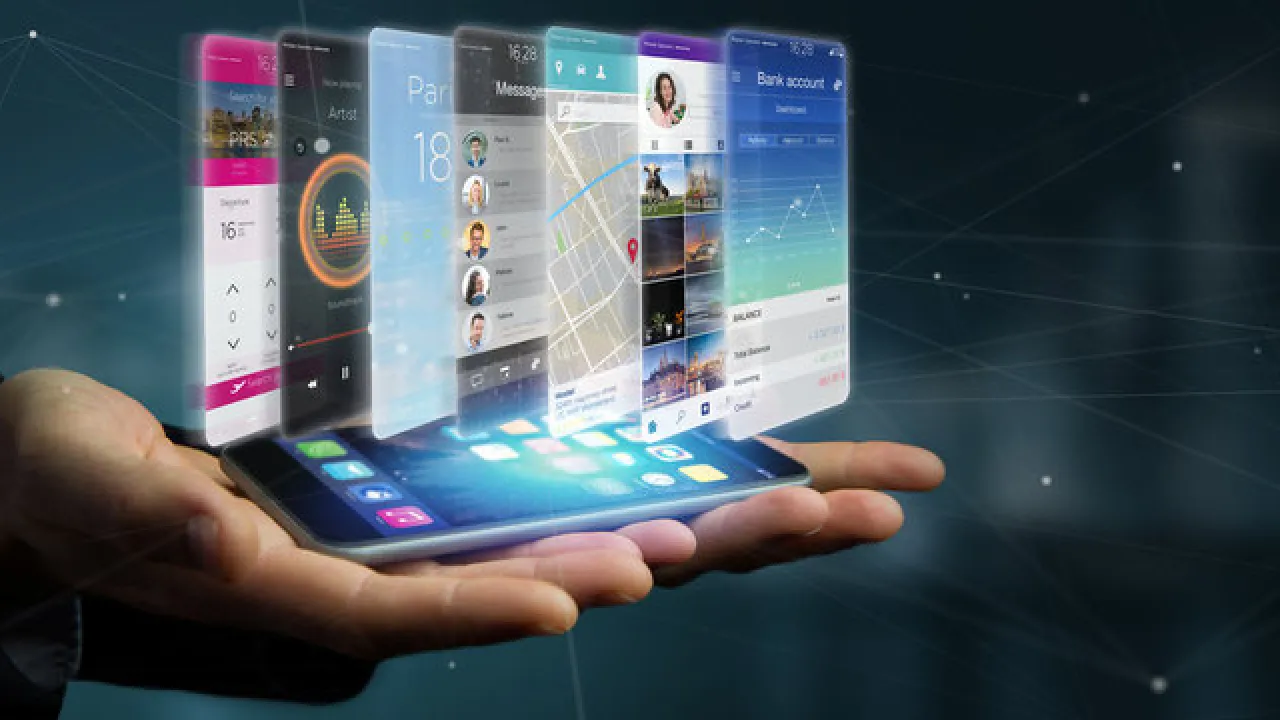
1. Why do mobile app developers make buttons clear and big enough on phone screens?
2. What do coders call a tiny mistake in an app that needs fixing?
🤯 Mind-Blowing Fact • Grade 2
Pointing a plant-identifying app at a mystery leaf can match its species in less than two seconds using the phone's camera!
✨ Word Sparks (Grade 2 Glossary)
Tap 🔊 to hear
wireframe
A simple sketch showing where screen buttons go
gesture
A finger move like tapping, pinching, or swiping
compass
A sensor that tells which direction is north
🪝
How can a phone in your pocket count your footsteps, point north, and identify constellations in the night sky?
1
Unlocking Built-In Super Sensors
Hold a tablet up toward the evening stars, and a sky-map app labels Orion right before your eyes! Turning pocket screens into smart tools is the job of a mobile app developer.
2
Sketching Screens and Writing Code
First, developers sketch simple screen layouts called to plan where every button and menu belongs. Next, they write clean code that connects touch with built-in cameras, microphones, , and GPS receivers.
3
Saving Battery Power
Unlike desk computers plugged into a wall, phones run on small batteries and travel through tunnels with weak signals. Careful developers test their apps on many screen sizes so tools stay fast and dependable anywhere.
2. Why must mobile developers pay extra attention to energy use in their code?
🤯 Mind-Blowing Fact • Grade 3
Blind and low-vision explorers use mobile apps with built-in screen readers and cameras that speak street signs, grocery labels, and bus numbers aloud!
✨ Word Sparks (Grade 3 Glossary)
Tap 🔊 to hear
operating system
Core software that manages a phone's hardware and apps
accelerometer
A tiny sensor measuring motion, steps, and tilting
offline mode
Working smoothly even without an internet connection
🪝
Why do developers sometimes write two different languages—Swift and Kotlin—to launch the very same app?
1
Designing for Life on the Go
Picture hiking along a wooded trail, snapping a photo of warbler feathers, and hearing its cheerful birdcall through a nature app—even miles away from Wi-Fi! Crafting smooth, pocket-sized software like that is the specialty of a mobile app developer.
2
Speaking iOS and Android
Smartphones mainly run on two different : Apple's iOS and Google's Android. Developers often write Swift code for iPhones and iPads, or Kotlin code for Android devices. Some teams also use cross-platform frameworks like Flutter or React Native so one shared codebase runs on both!
3
Tapping Hardware Superpowers
Phones pack an amazing lab of tiny hardware into a thin case: sense motion, gyroscopes track tilt, GPS locates trailheads, and haptic motors create gentle buzzes. Developers connect these sensors with crisp user interfaces.
4
Built for Every Person
Great developers test voice-screen readers for blind users, for subway rides, and strict privacy controls so everyone's pocket tools stay welcoming and safe.
1. Why might a mobile team use languages like Swift and Kotlin or a cross-platform toolkit?
2. Which tiny built-in phone sensor helps a fitness or science app measure steps and motion?
🤯 Mind-Blowing Fact • Grade 4
Using millions of volunteers' smartphone accelerometers through the MyShake app, scientists created an earthquake early-warning network that alerts towns seconds before shaking arrives!
✨ Word Sparks (Grade 4 Glossary)
Tap 🔊 to hear
user interface
Screens, buttons, and menus people touch and see
asynchronous
Running background tasks without freezing the main screen
cache
Saved local data ready for quick offline loading
🪝
How does a mobile app stay responsive to your thumb in sixteen milliseconds while downloading weather radar in the background?
1
Engineering inside a Pocket Computer
Desktop computers enjoy giant cooling fans, big monitors, and steady wall power, whereas smartphones must squeeze graphics, radio antennas, cameras, and processors into a slim glass rectangle. A mobile app developer masters those tight limits to turn pocket devices into citizen-science tools, language tutors, and emergency alert lifelines.
2
Keeping the Screen Silky Smooth
To make scrolling feel instant, a mobile screen refreshes sixty to one hundred twenty times every second! If an app tries to download a large weather map on the same 'main thread' that draws buttons, the screen freezes. Developers use background threads so heavy downloads happen quietly behind the scenes while touch gestures respond instantly.
3
Responsive Layouts and Local Caching
Phones fold, rotate sideways, and range from compact screens to wide school tablets. Developers build adaptive (UI) that stretch cleanly across every screen ratio, and they essential files locally so hiking maps or flashcards still load inside dead signal zones.
4
Privacy, Security, and Real-World Impact
Because phones carry personal photos and location history, responsible developers request sensor permissions only when truly needed and store keys inside encrypted hardware vaults. From Chesapeake Bay water-quality reporting apps to assistive speech boards for nonverbal children, mobile developers put problem-solving power in everyone's hands.
1. Why do mobile app developers run big map downloads on asynchronous background threads?
2. How does local caching help a hiker using a trail-map app in the mountains?
🤯 Mind-Blowing Fact • Grade 5
To hit a smooth 120-frames-per-second animation on a modern tablet, a mobile app's code must finish calculating layout, physics, and pixel drawing in just eight-thousandths of a second!
✨ Word Sparks (Grade 5 Glossary)
Tap 🔊 to hear
sensor fusion
Blending data from multiple sensors for sharper accuracy
augmented reality
Layering helpful digital 3D objects onto real camera views
offline-first
Designed to save work locally before syncing online
🪝
How can four billion smartphones around the planet run complex augmented reality, encrypted medicine trackers, and offline AI on tiny lithium batteries?
1
Computing Under Strict Constraints
Every tap on a smartphone triggers a remarkably orchestrated chain of events across capacitive touch glass, ARM system-on-chip silicon, and cloud APIs—all budgeted down to single-digit milliwatts of battery power. Engineering software that thrives inside those physical boundaries is the discipline of a mobile app developer.
2
Native Toolkits and Declarative UI
Modern mobile engineers build applications using native frameworks such as SwiftUI with Swift on iOS or Jetpack Compose with Kotlin on Android, as well as cross-platform engines like Flutter. Declarative UI architectures automatically redraw only the exact pixels whose underlying state changed, sustaining crisp 120-hertz frame rates—less than 8.3 milliseconds per frame—without overheating fanless devices.
3
Sensor Fusion and Edge Capabilities
Beyond touch menus, mobile developers harness hardware '.' Combining camera frames with gyroscope and LiDAR depth readings powers apps that project life-sized human heart models onto classroom desks. On-device neural engines even run compressed machine learning models locally, translating street signs or analyzing plant pests with zero cloud latency and complete user privacy.
4
Resilience Across Unreliable Networks
Unlike fiber-wired data centers with uninterrupted power, mobile devices constantly hop between home Wi-Fi routers, suburban 5G cell towers, crowded stadium signals, and subway or mountain dead zones. Engineers architect '' local SQLite or Core Data databases paired with background synchronization queues and exponential retry timers. That way, field biologists in Shenandoah National Park or rural clinic nurses can log observations offline all afternoon and sync encrypted updates seamlessly the instant a signal bar returns.
5
Accessibility and Security by Design
Before shipping updates to global app stores, developers run automated test suites across racks of real phones and tablets—checking memory leaks, battery drain, and drop-test screen rotations. Equally vital, they verify VoiceOver and TalkBack accessibility trees for blind users, support dynamic large-print fonts, and lock private keys inside hardware biometric Secure Enclaves, ensuring pocket computing empowers every person safely and reliably.