💻 Computer Architecture, Hardware & Software Dossier
✒️ Written by Syed Ali
— Hardware, Software, CPU, RAM, Storage & Internet
🎧 Synced Audio Narration • 3 Illustrated Scenes
✒️ Story Author
Syed Ali
💻 Core Teamwork
Hardware (Physical Parts) + Software (OS, Apps & A2ZiQ)
⌨️ Input & Output
Input (Keyboard/Mouse) vs. Output (Monitor/Speakers)
🧠 Main Chips
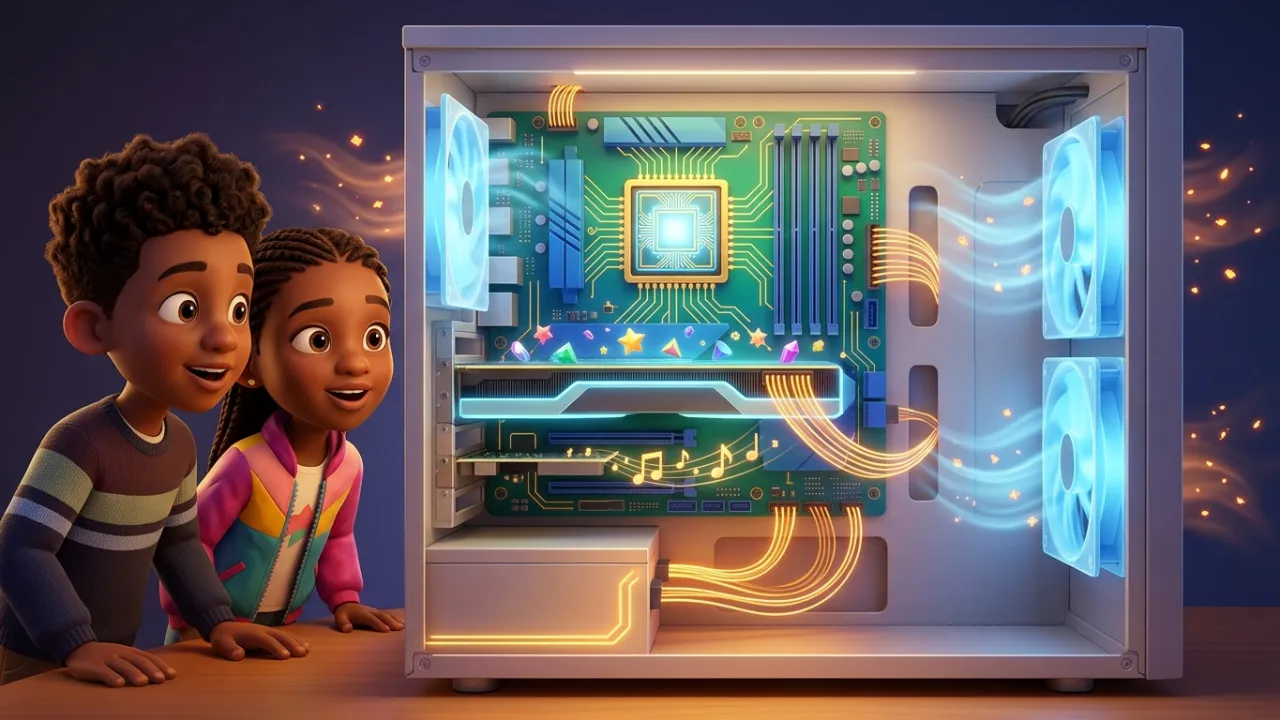
Motherboard Highway + CPU Brain + GPU Graphics
🌀 Power & Cooling
Sound Card + Power Supply + Whisper Cooling Fans
💾 Two Memories
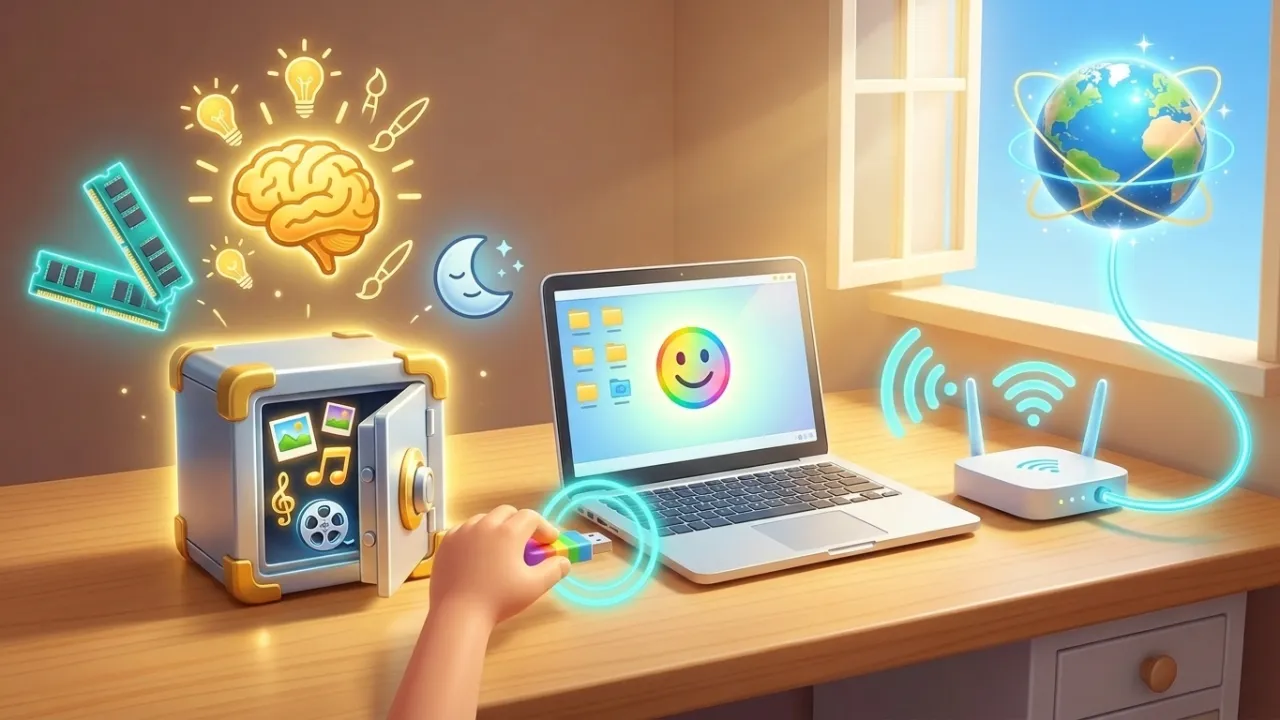
RAM (Short-Term Awake Memory) vs. SSD / Hard Drive
🌐 Ports & Internet
USB Ports + Home Internet ISPs (Comcast Xfinity / Verizon)
Chapter 1 of 3 • Input, Output & Hardware Meets Software
Grade 4 (Expanding)
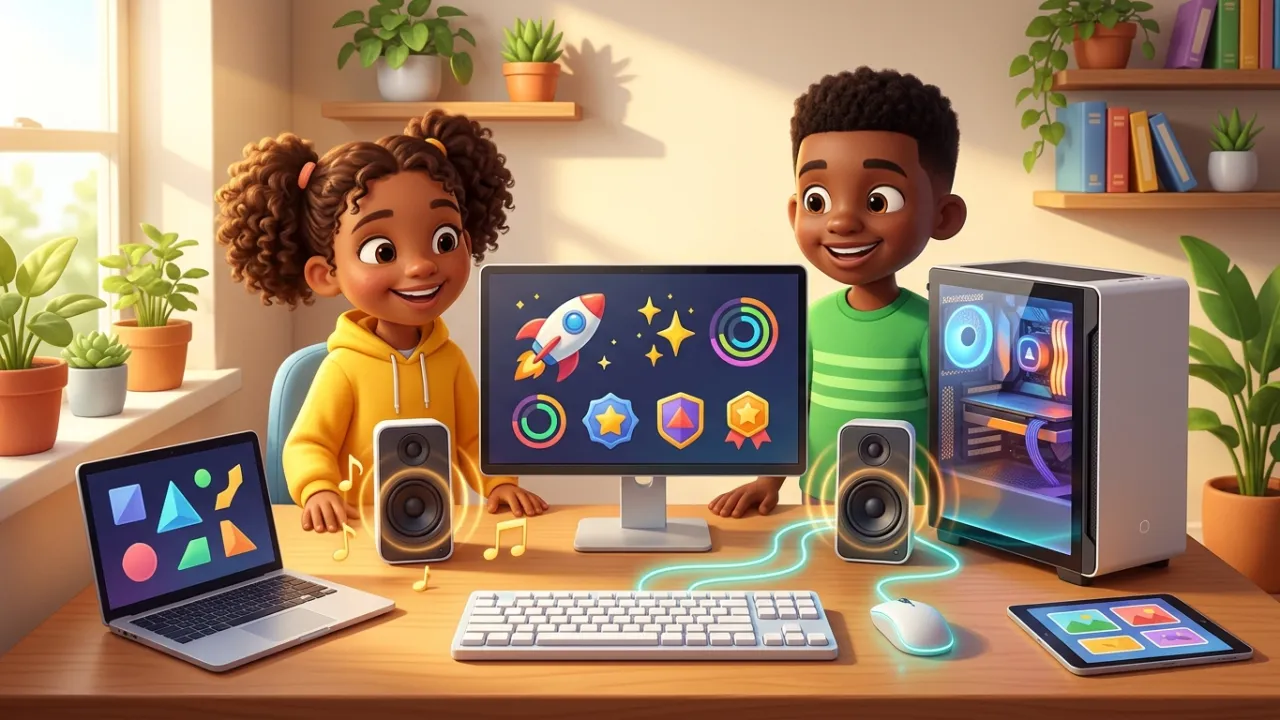
What Is Inside a Computer?
✒️ By Syed Ali
Curious elementary learners explore desktop, laptop, and tablet computers—seeing how keyboard and mouse input teams up with monitor and speaker output through Hardware and Software.
💡
Discovery Callout
Computer Engineering Spark: A modern CPU chip smaller than a postage stamp holds billions of microscopic switches called transistors that flip on and off billions of times per second—and Solid-State Drives (SSDs) store your music, videos, and schoolwork on silent flash memory chips with zero spinning parts!
— 1 —
Input, Output & Hardware Meets Software
🎧 Synced Narration
A computer is an amazing everyday machine that fascinates us because it helps us accomplish big tasks much faster and more easily. On the outside, you can spot familiar parts right away: a monitor (an output device that shows your screen), a keyboard and mouse (input devices that let you type and click), and sometimes a desktop tower sitting on or under a desk. Whether you use a desktop tower, a sleek all-in-one screen, a laptop, or even a tablet, they all share the exact same secret: the physical parts you can touch are called , while the operating system, apps, and learning programs you run—like A2ZiQ!—are called .
💻 Input, Output & Hardware + Software Teamwork: Every keystroke on a keyboard, click of a mouse, tap on a touchscreen, or voice command into a microphone is input—sending your ideas into the machine. Everything the computer sends back out to you—crisp lessons and videos on your monitor, clear voices and music from speakers or headphones, or pages from a printer—is output. Hardware and Software work as inseparable teammates: without Software like your operating system, web browser, and A2ZiQ, Hardware would sit quiet and dark; without physical Hardware, Software would have nowhere to come alive!
🔍 Tap a Key Word to Define:
Chapter 1 of 3
— 2 —
Open Scratchpad