💻 Computer Architecture, Hardware & Software Dossier
✒️ Written by Syed Ali
— Hardware, Software, CPU, RAM, Storage & Internet
🎧 Synced Audio Narration • 3 Illustrated Scenes
✒️ Story Author
Syed Ali
💻 Core Teamwork
Hardware (Physical Parts) + Software (OS, Apps & A2ZiQ)
⌨️ Input & Output
Input (Keyboard/Mouse) vs. Output (Monitor/Speakers)
🧠 Main Chips
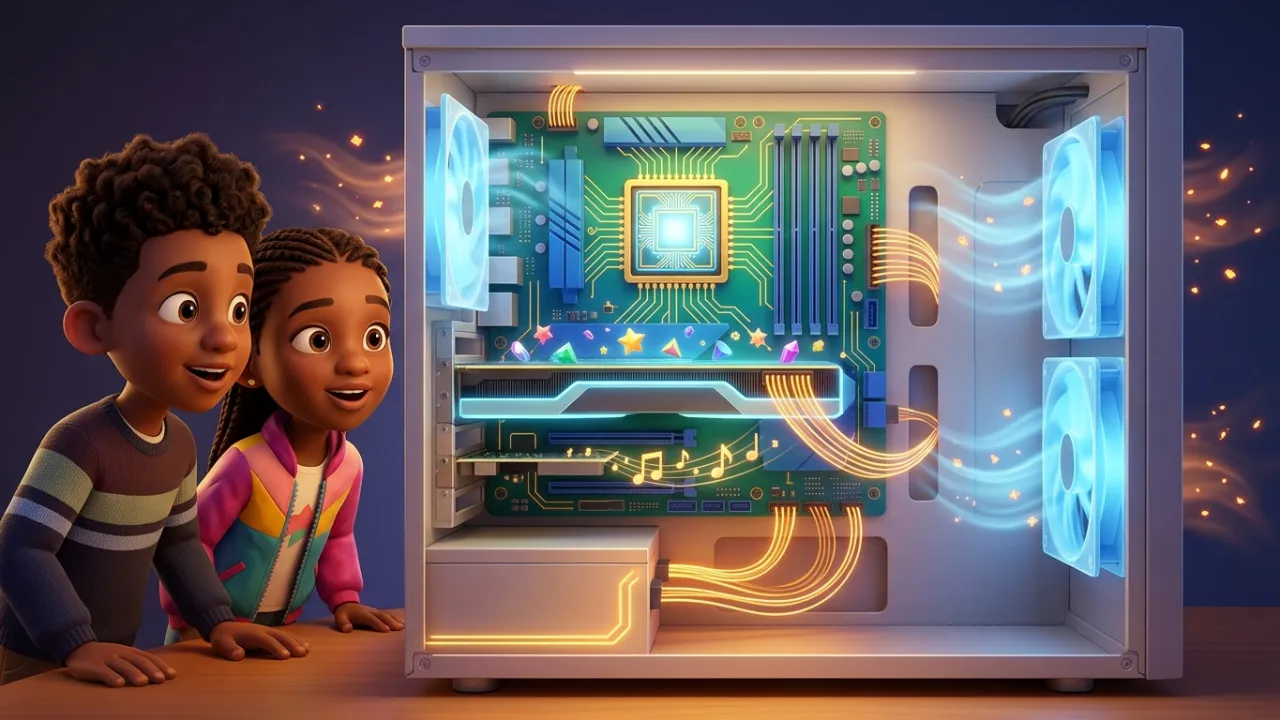
Motherboard Highway + CPU Brain + GPU Graphics
🌀 Power & Cooling
Sound Card + Power Supply + Whisper Cooling Fans
💾 Two Memories
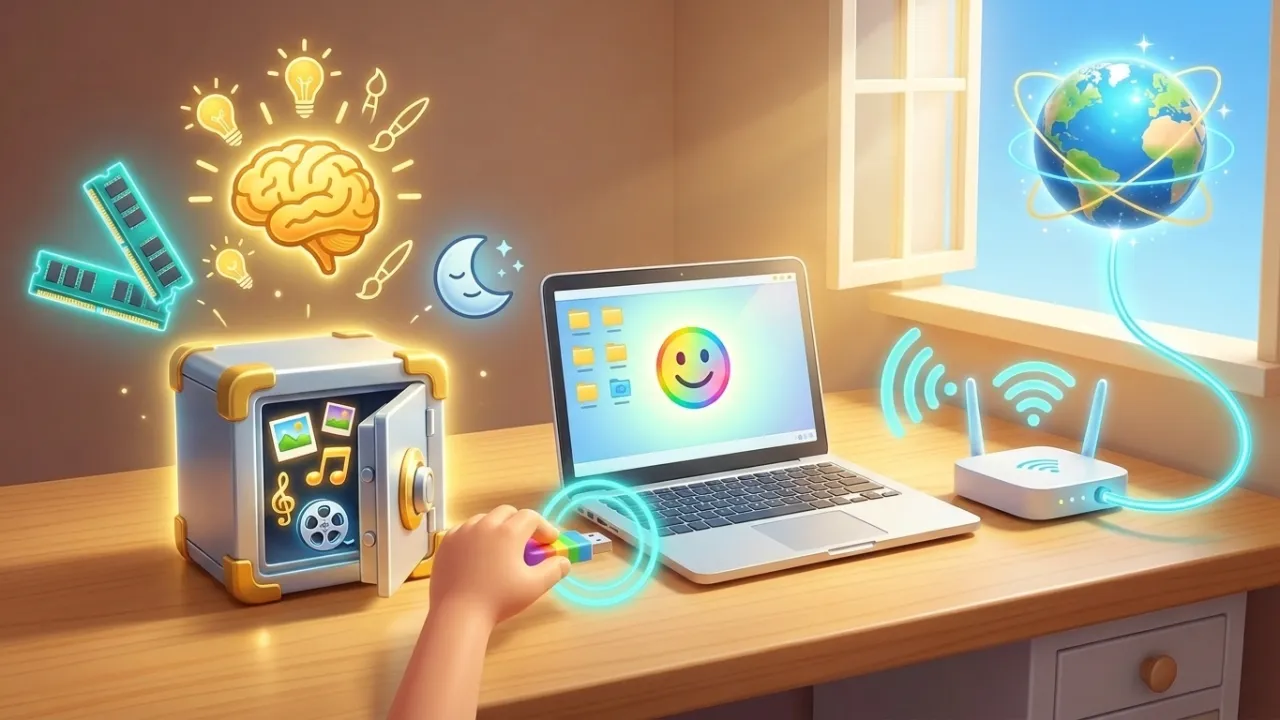
RAM (Short-Term Awake Memory) vs. SSD / Hard Drive
🌐 Ports & Internet
USB Ports + Home Internet ISPs (Comcast Xfinity / Verizon)
Chapter 1 of 3 • Input, Output & Hardware Meets Software
Grade 3 (Fluent)
What Is Inside a Computer?
✒️ By Syed Ali
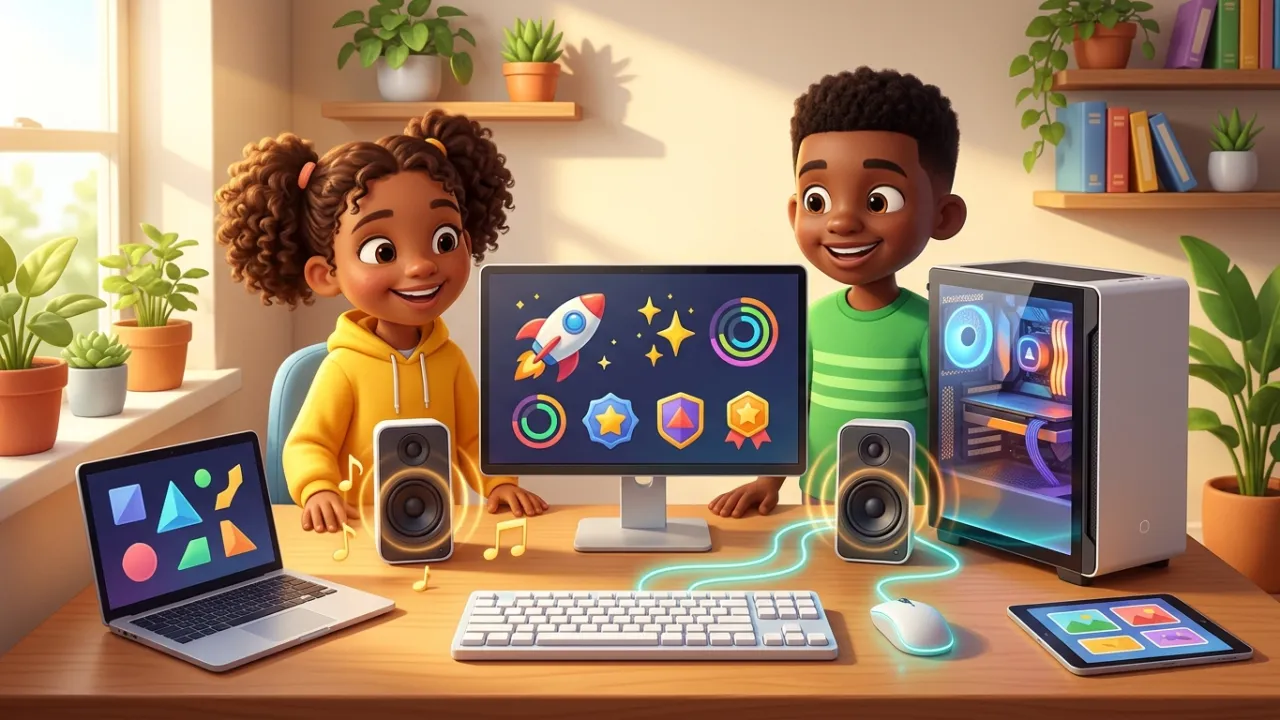
Curious elementary learners explore desktop, laptop, and tablet computers—seeing how keyboard and mouse input teams up with monitor and speaker output through Hardware and Software.
💡
Discovery Callout
Computer Engineering Spark: A modern CPU chip smaller than a postage stamp holds billions of microscopic switches called transistors that flip on and off billions of times per second—and Solid-State Drives (SSDs) store your music, videos, and schoolwork on silent flash memory chips with zero spinning parts!
— 1 —
Input, Output & Hardware Meets Software
🎧 Synced Narration
A computer is an amazing everyday machine that helps us accomplish big tasks faster and more easily. Outside, you see a monitor (an output device showing your screen), a keyboard and mouse (input devices for typing and clicking), and sometimes a desktop tower. Across desktop towers, all-in-one screens, laptops, and tablets, physical parts you touch are , while operating systems, apps, and learning programs like A2ZiQ are !
💻 Input, Output & Hardware + Software Teamwork: Keyboards, mice, and microphones send input in, while monitors, speakers, and printers send output back out. Hardware and Software work together as partners on every click!
🔍 Tap a Key Word to Define:
Chapter 1 of 3
— 2 —
Open Scratchpad