🛡️ Children's Educational & Cyber Safety Corner
✒️ Written by Syed Ali
— Passwords as Digital Keys, Friendly Threat Guide & Digital Safety Hero Rules
🎧 Synced Audio Narration • 3 Illustrated Scenes
✒️ Story Author
Syed Ali
🛡️ Safety Guide
Digital Detective & Family Safety Team
🔑 Key Analogy
Passwords & PINs = Digital Front-Door Keys
💻 Devices Protected
Computers, Tablets & Phones
🔍 Threats Covered
Viruses, Trojans, Spam, Bloatware & Ransomware
🔒 Smart Habits
Never Share Passwords • Ask Before Clicking
👨👩👧 Hero Rule #1
Tell a Trusted Adult Right Away!
Chapter 1 of 3 • Digital Keys for Your Devices
Grade 4 (Expanding)

Understanding Computer Bugs and Staying Safe Online
✒️ By Syed Ali
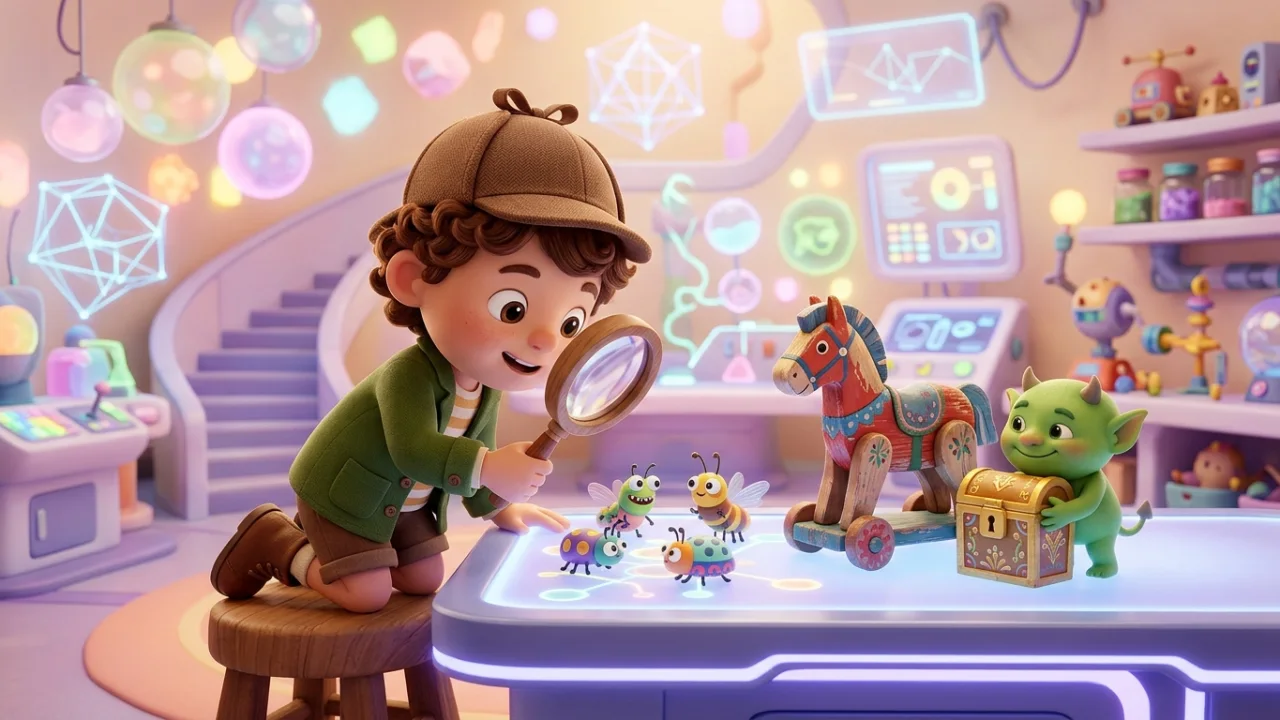
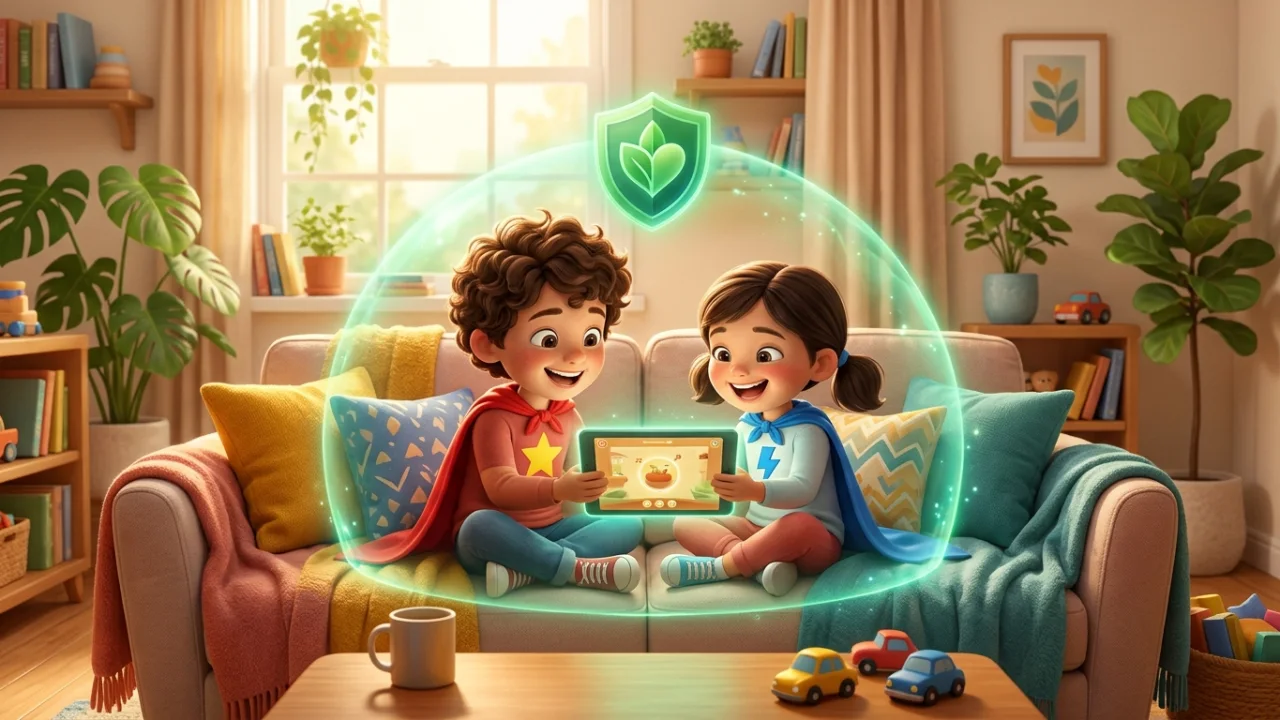
Happy children exploring a glowing digital world surrounded by protective shields, cute robot helpers, and glowing locks.
💡
Discovery Callout
Passwords and PINs work like keys to your front door—protecting family pictures and private files while smart habits stop sneaky bugs!
— 1 —
Digital Keys for Your Devices
Have you ever wondered why our computers, tablets, and phones need and PINs? Just like we lock the front door of our home to keep our family safe, passwords act as digital keys to protect our personal information!
Sometimes, sneaky programs try to get into our devices. Here is a guide to help you recognize these digital pests so you can keep your devices happy and running fast:
🔍 Tap a Key Word to Define:
Chapter 1 of 3
— 2 —
Open Scratchpad